
Big Tap Counter: a simple tally counter app for iPhone
One giant button. Tap to count. Nothing else to learn.
Tap anywhere on the screen to add one to your running tally. A big, clear display, a handful of ways to make it your own, and no account or setup screen in between you and counting.

What you can do
One giant tap button
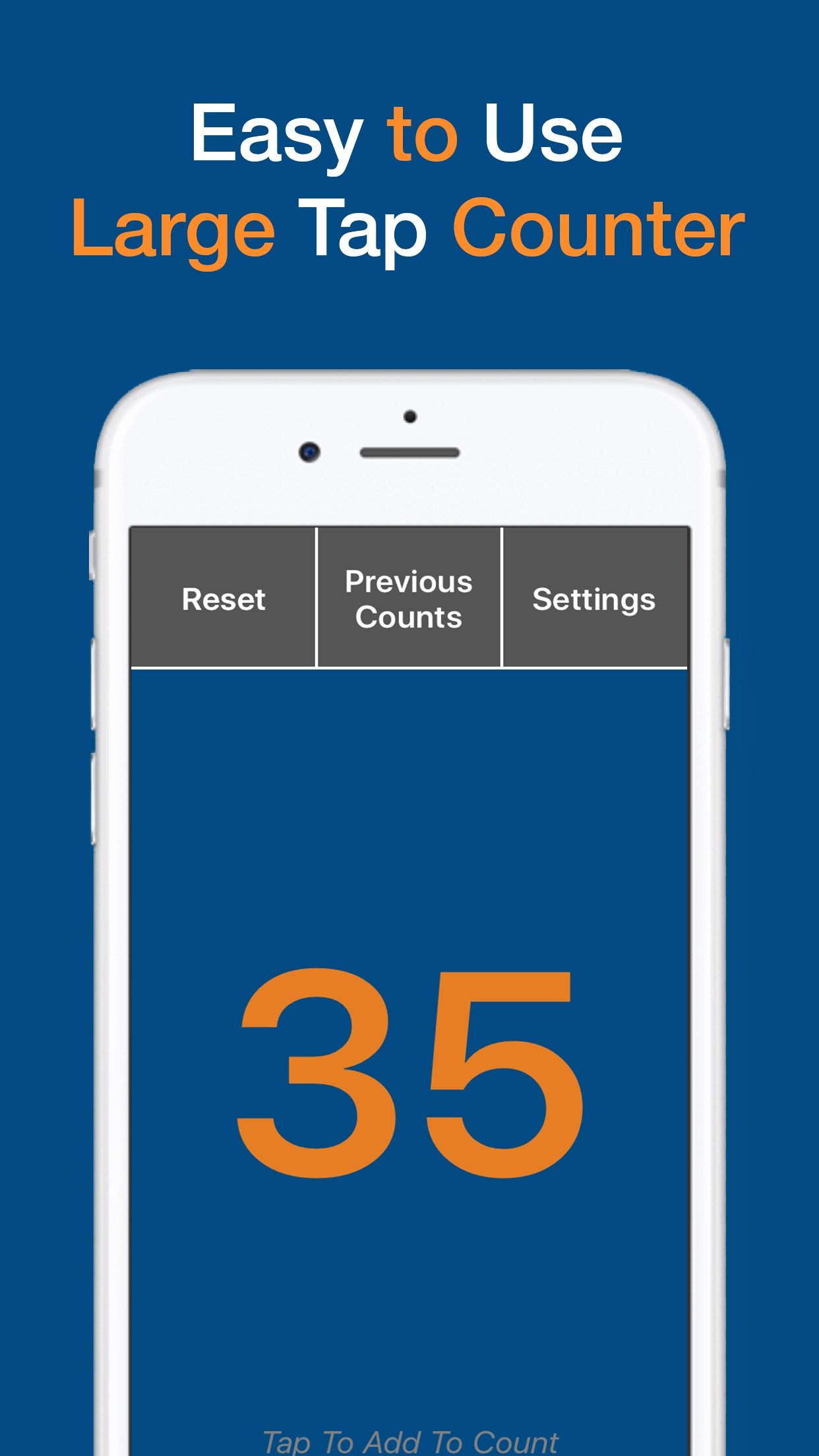
Tap anywhere on the screen and the number goes up by one. That is the whole app, and it is exactly the point.
A display you can read from across the room
Large landscape and portrait layouts keep the number big and clear, whether you are holding the phone or it is sat on a table.
Made to look how you want
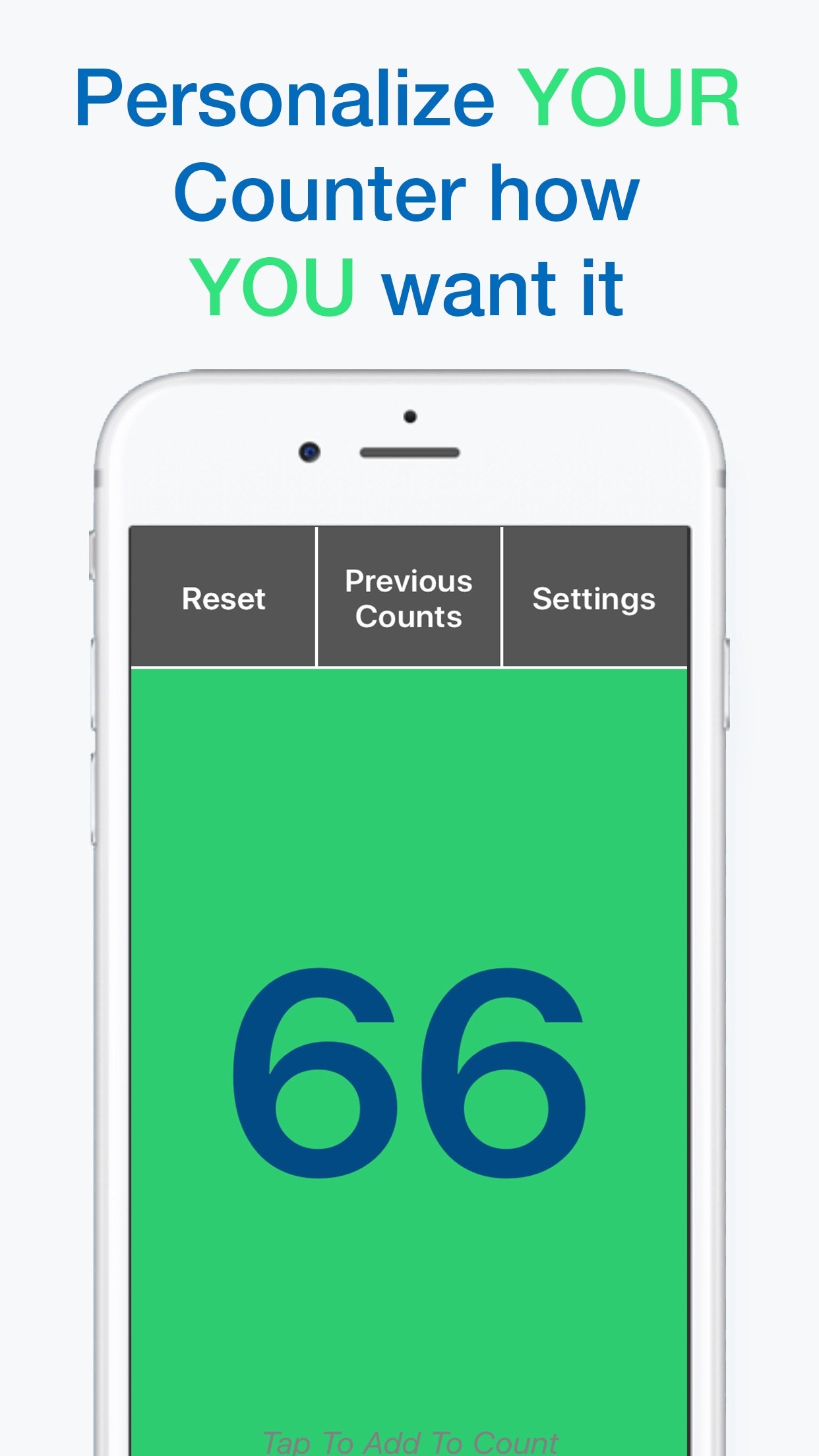
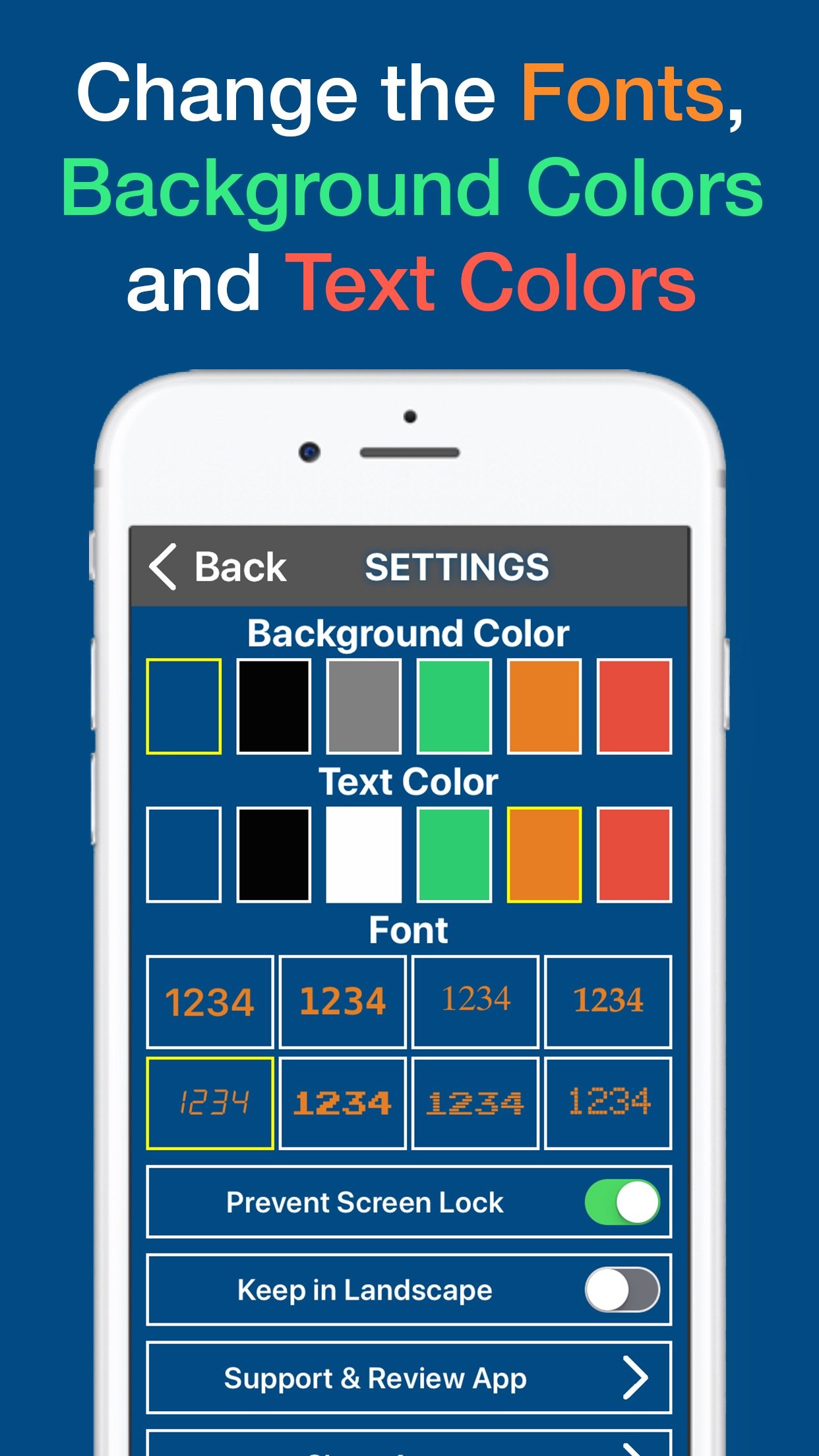
Choose from 8 fonts, 6 background colours and 6 text colours, so the count is easy on your eyes and easy to spot.
Start from any number
Begin a tally at zero, or type in a custom starting number when you are picking up a count already in progress.
Keeps the screen awake
The display stays on while the app is open, so a mid-count screen lock never costs you your place.
Remembers your past counts
Every tally you finish is saved, so you can check back on an earlier count without having to write it down yourself.
A look inside
Replace a handheld clicker with the phone you already carry
A mechanical tally clicker does one job and does it well, but it is one more thing to remember, buy and eventually lose. Your phone is already in your pocket. Big Tap Counter turns it into the same tool, with a screen you can actually read and no clicking mechanism to wear out.
- One tap, one number. The counting itself works exactly like a handheld clicker: press to add one, watch the total.
- Free with ads, or pay once. The app is free to download and use, supported by ads. A one-time $9.99 Premium purchase removes ads for good and adds Auto Clicker, restoring a previous count, and labelling your counts.
- Never a subscription. Premium is a single purchase. There is no monthly or yearly charge for a feature this simple.
How it works
- Open the app and tap. Tap anywhere on the screen and the number goes up by one. No account, no setup, no tutorial to get through first.
- Make it yours, if you want to. Pick a font, a background colour and a text colour, or start the count from a custom number instead of zero.
- Keep going or start fresh. The screen stays awake while you count, and each tally you finish is saved so you can look back on it later.
Guides
Straight answers to the questions people search before picking a counter app.
- Tally counter app vs a handheld clicker: which should you use?
- A simple tally counter app with no subscription
- The simplest tally counter app for iPhone
Questions
Frequently asked questions
Is Big Tap Counter free?
Yes. It is free to download and use, supported by ads. A one-time $9.99 Premium purchase removes ads and adds Auto Clicker, restoring a previous count, and labelling your counts.
Do I need an account to use it?
No. You do not need to sign up or create an account. Open the app and start tapping.
What does Auto Clicker do?
Auto Clicker is a Premium feature that increases the app’s own counter automatically on a timer you set. It is not a tool for automating taps inside other apps or games.
Can I start counting from a number other than zero?
Yes. You can type in a custom starting number instead of beginning every tally at zero.
One giant, simple, reliable tally button
Free on iPhone with ads. No subscription, ever.