
Big Tap Digital Stopwatch: one giant number, tap to run it
The simple stopwatch app with no menus to get lost in
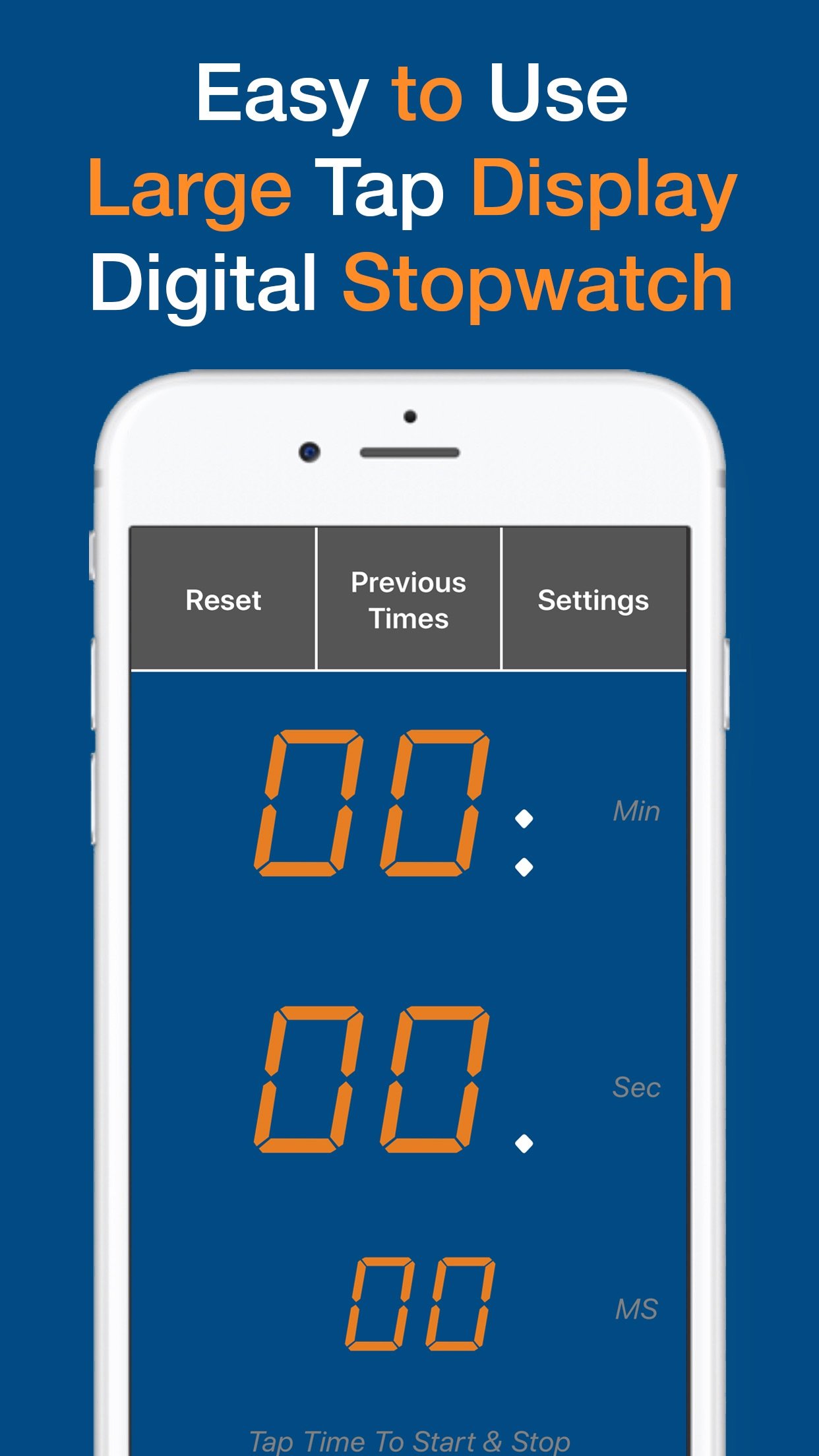
Tap anywhere on the screen to start it. Tap anywhere to stop it. The time fills the screen in a font big enough to read from across the room, poolside, or the far end of the gym.
4.6 stars from 221 ratings on the App Store

What you can do
Tap anywhere to start or stop
No buttons to aim for. The entire screen is the control, so you can start and stop it without even looking down.
A number big enough to read from across the room
The display fills the screen in both portrait and landscape, so you can read the time from a distance instead of squinting at a phone in your palm.
4 fonts to choose from
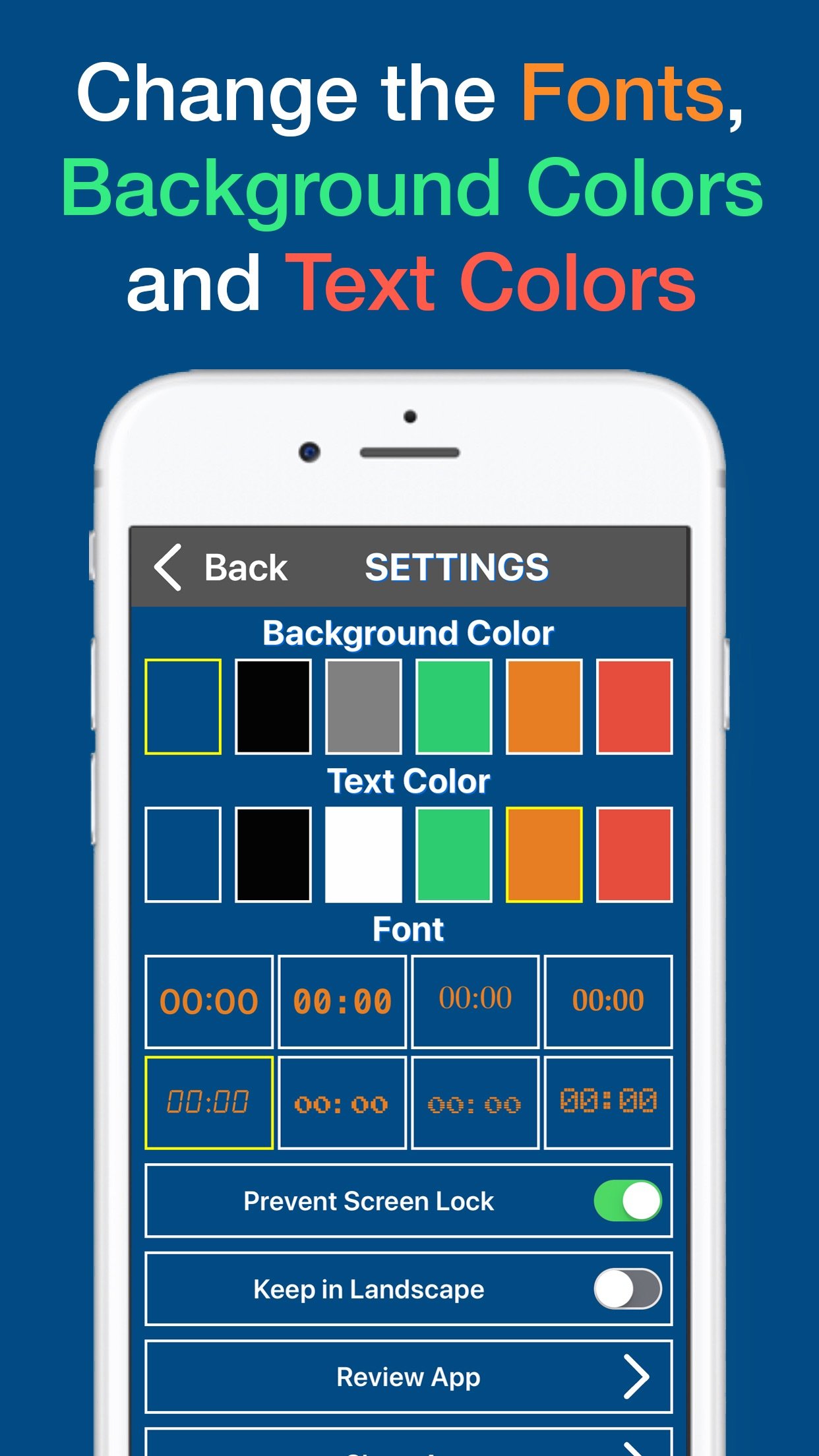
Pick the digit style that is clearest for your eyes and your lighting.
6 background and 6 text colours
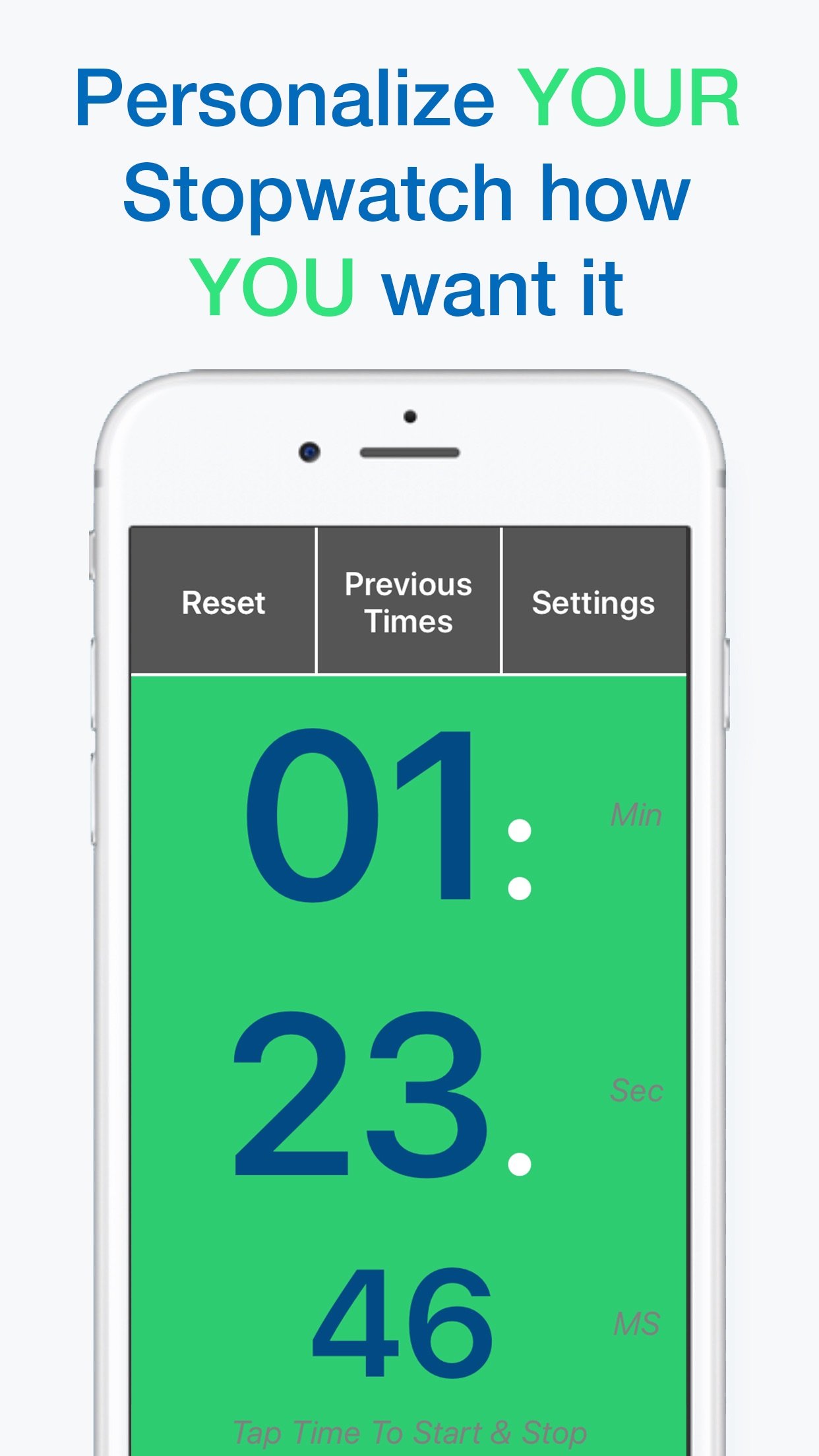
Set a colour combination that is easy to read in your gym, your classroom, or bright poolside sun.
Saves your previous times
Your last run stays on screen, so you can compare it to the one you just did without writing anything down.
Keeps the screen awake
The display will not dim or lock while the app is open, so a long run does not disappear halfway through.
A look inside
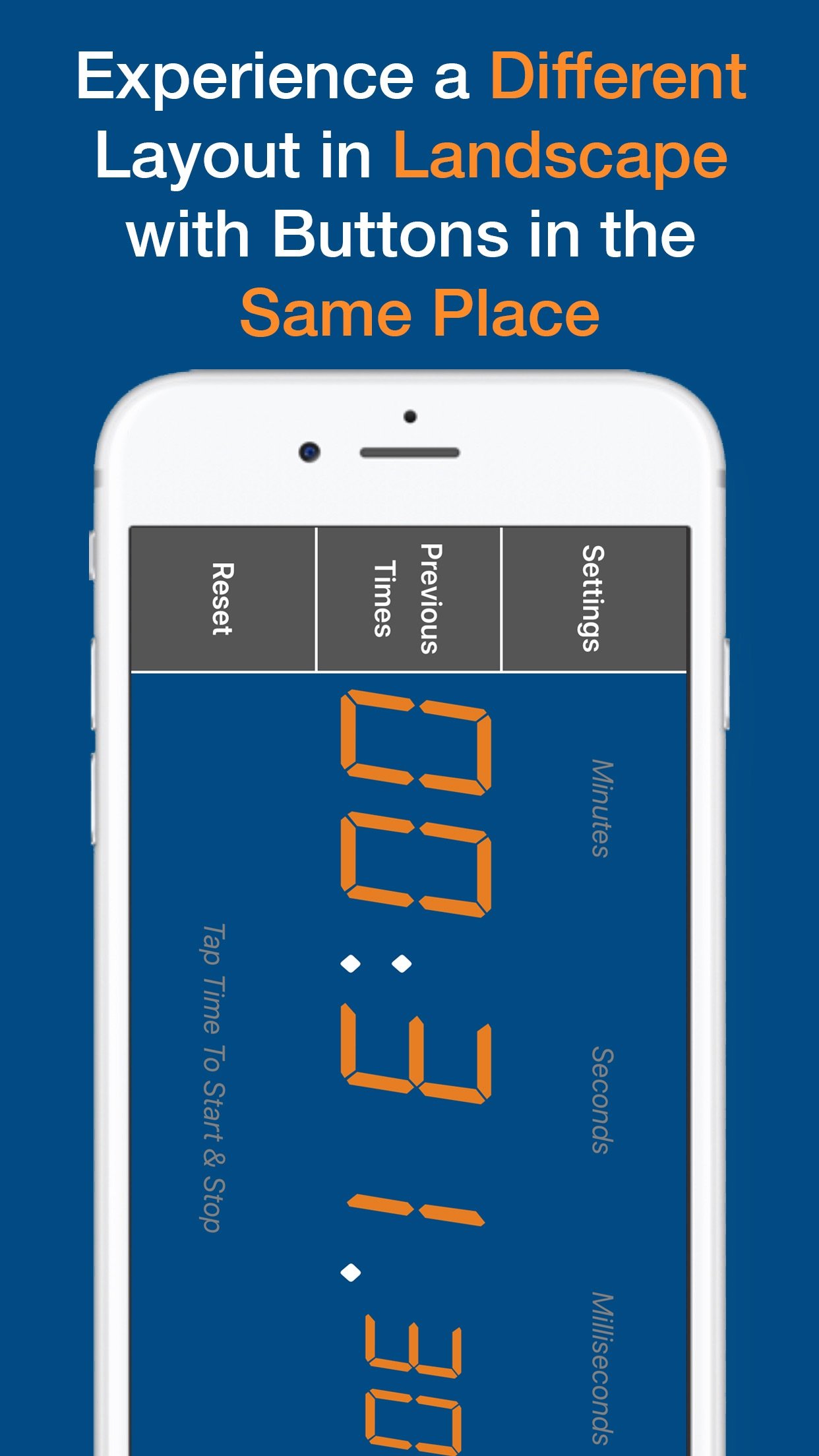
Built to be read from a distance, not held close
Most stopwatch apps are designed for a phone in your hand. This one is designed for a phone propped against a water bottle at the end of a lane, taped to a gym wall, or sat on a table across a classroom, still readable from several metres away. That is the whole idea:
- One giant number. No lap lists, no settings clutter competing for space, just the time in as large a font as the screen allows.
- A one-time price, not a subscription. Pay $7.99 once to remove ads if you want to, and that is the only purchase this app ever asks for.
- Free with ads if you would rather not pay at all. The stopwatch itself works the same either way; the free tier just shows ads between uses.
How it works
- Tap the screen to start. There is no button to find first, the whole screen is live.
- Tap the screen to stop. The count freezes the instant you tap, so it is as accurate as your reflexes.
- Read the big number. From your hand, from across the gym, or from the end of the pool.
Guides
Straight answers to the questions behind picking a stopwatch app.
- The best large stopwatch you can read from a distance
- Digital stopwatch app vs a handheld stopwatch
- The simplest digital stopwatch app for iPhone
Questions
Is it free?
Yes. The app is free to download and use, and it shows ads. A one-time $7.99 purchase removes ads for good, with no subscription and no other locked features.
Does it do laps, splits or a countdown?
No. It is a single count-up stopwatch only, tap to start and tap to stop. There is no lap or split logging and no countdown or interval timer mode.
Can I change how it looks?
Yes. Choose from 4 fonts, 6 background colours and 6 text colours, in portrait or landscape, so you can set up a combination that is easy to read where you use it.
Is there an Apple Watch app or a widget?
No. This is an iPhone and iPad app with no Apple Watch companion and no home screen or lock screen widget.
Get the stopwatch you can actually read
Free on iPhone. One tap to start, one tap to stop.