
Subscription Tracker & Bills: see every renewal coming
Subscriptions, free trials and bills in one place
Know what is due, when it renews, and what it all costs, with reminders before every payment. No bank login, nothing linked, everything on your device.

What you can track
Subscriptions and renewals
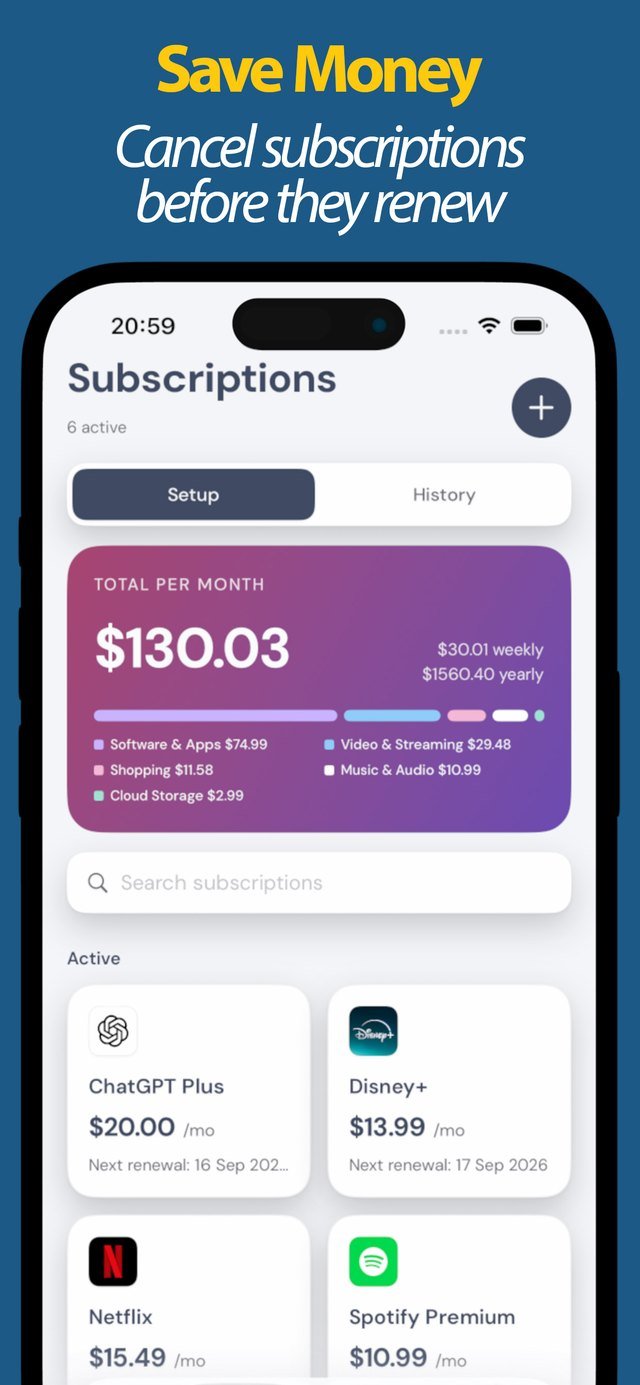
Every subscription with its next renewal date and price, so a charge never takes you by surprise again.
Free-trial reminders
Log when a free trial ends and get reminded in time, so you decide whether to keep it instead of getting billed by default.
Bills and outgoings
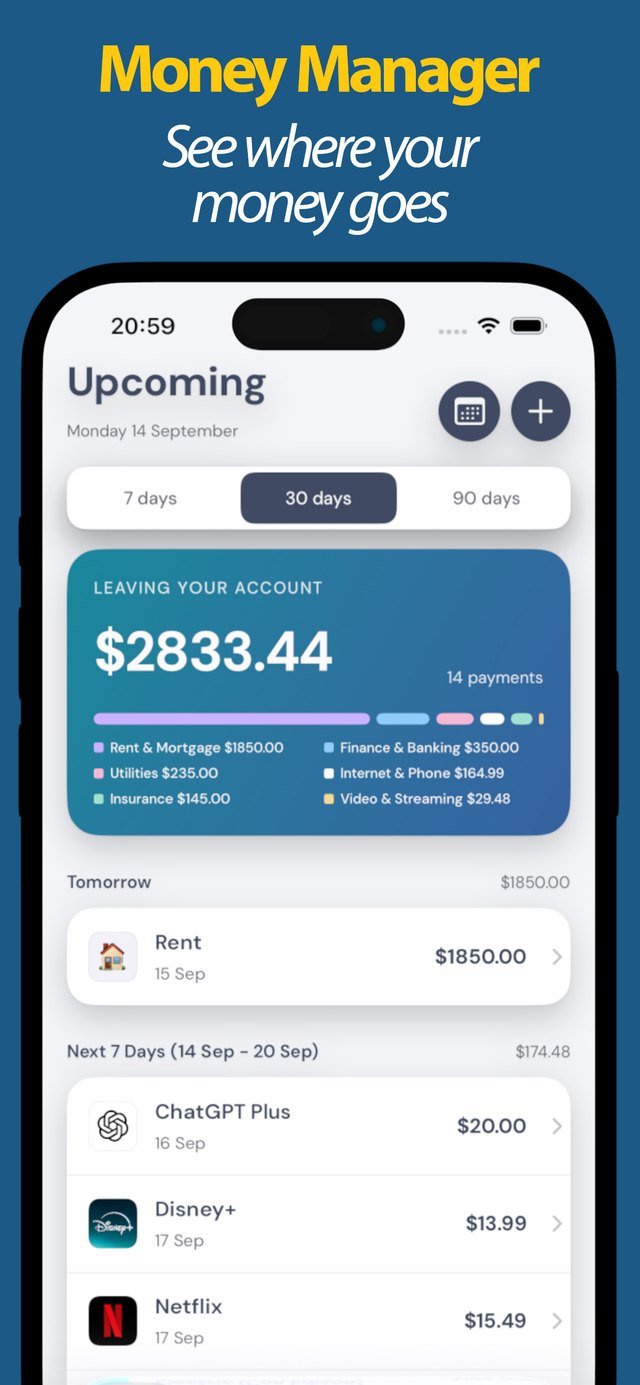
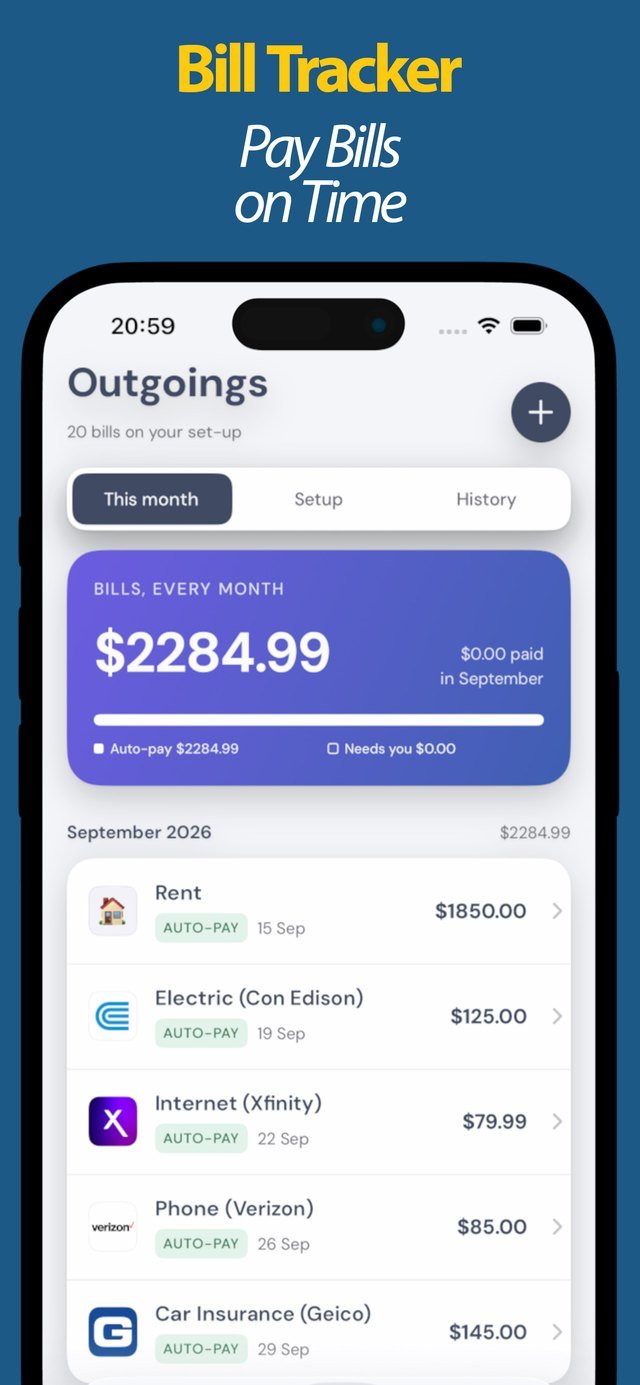
Rent, utilities, insurance and card payments tracked by month, with auto-pay and unpaid marked clearly.
What it really costs
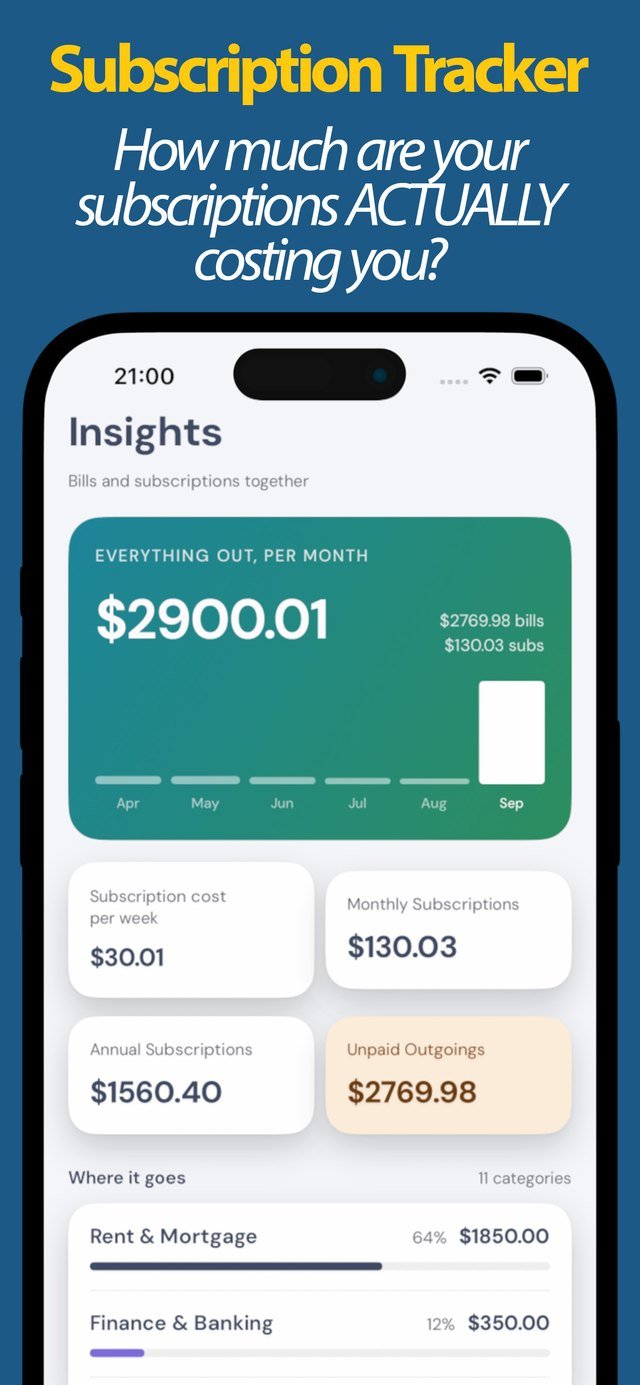
The insights view shows your total per week, month and year, and breaks spending down by category.
Savings after cancelling
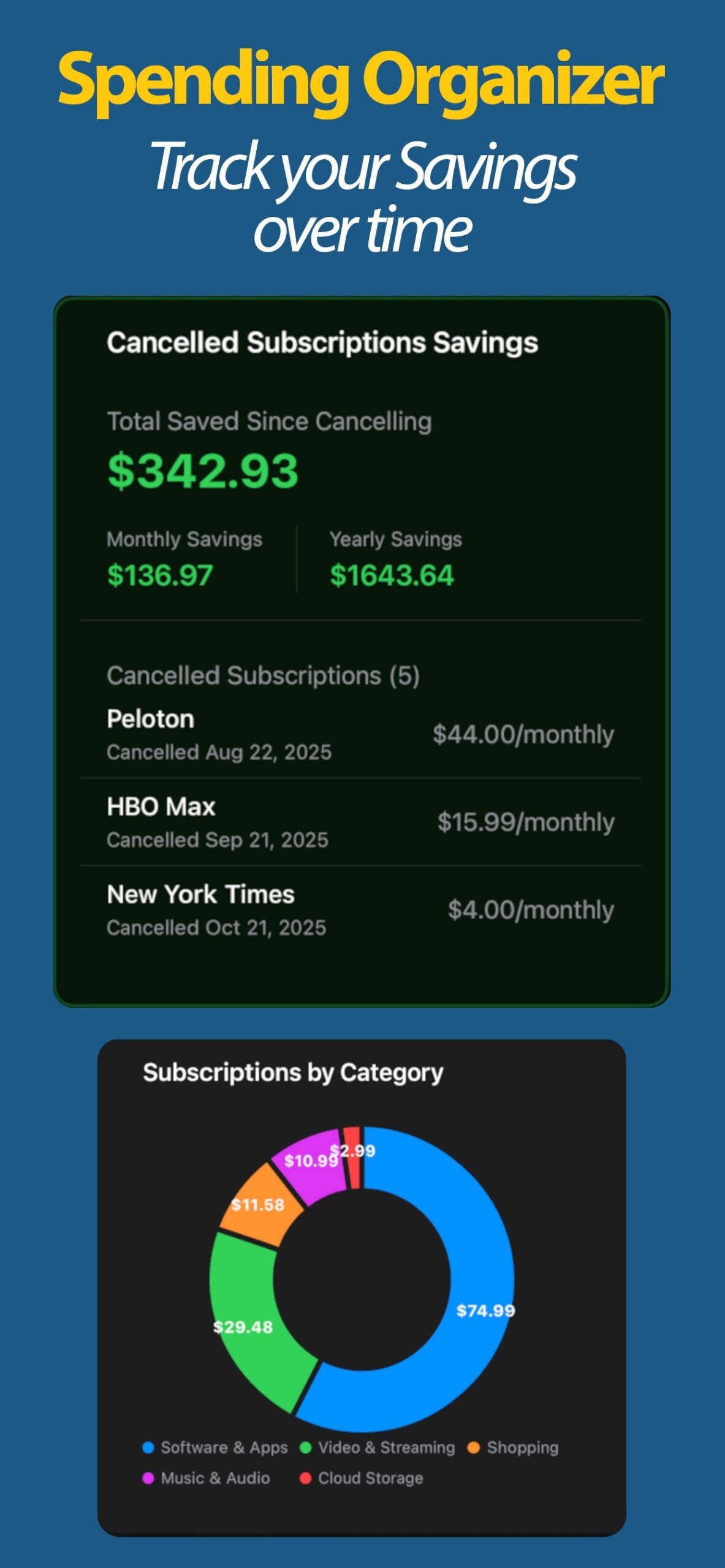
Mark a subscription cancelled and the app tracks how much you have saved since, month by month.
Widgets and reminders
See upcoming charges on your home screen and get a notification before each payment is due.
A look inside
Private by design, no bank login
Most subscription apps ask to connect to your bank so they can scan your statements. Subscription Tracker does not. You add what you pay for, and it does the reminding and the maths. That means:
- Nothing is linked. No bank connection, no email scanning, no third party reading your accounts.
- It works offline. Your list stays on your device, and you can open it anywhere.
- You stay in control. The app shows you what to cancel and when; you make the call and keep the savings.
It tracks and reminds. It does not cancel anything for you or move your money, which is exactly why it needs no access to either.
How it works
- Add your subscriptions and bills. Name, amount, renewal or due date, and a category.
- Get reminded. A notification lands before each payment and before a free trial ends.
- See the total and trim it. The insights view shows the real cost; cancel what you do not use and watch the savings add up.
Guides
Straight answers to the questions behind runaway subscriptions.
- How to never get charged after a free trial
- How to find subscriptions you forgot you were paying for
- How to track subscriptions without linking a bank account
Questions
Does it cancel subscriptions for me?
No. It reminds you before each renewal so you can cancel in time yourself, then tracks how much you save once you do. It never touches your accounts.
Do I have to connect my bank?
No. You add subscriptions and bills by hand. The app works offline with no bank connection and no email scanning.
Can it track bills as well as subscriptions?
Yes. Rent, utilities, insurance and card payments sit alongside your subscriptions, with reminders before each is due.
How much does it cost?
The app is free to download and use. A one-off lifetime upgrade unlocks the full feature set, with no recurring fee of its own.
Take back control of your subscriptions
Free on iPhone. No account, no bank login.