
How often should you update your net worth?
Once a month is enough for almost everyone. Net worth is a slow-moving number, and checking it daily just shows you market noise rather than progress. The trick is separating what needs manual updating, like a savings balance or a mortgage payoff, from what prices itself, like gold, silver and crypto. If an app handles the second part automatically, a monthly check-in on the first part is all you need.
Why daily tracking usually backfires
If part of your net worth is in crypto or precious metals, checking every day mostly shows you price swings that reverse within a week. That is not useless information, but it is not progress either, and watching it too closely tends to cause stress without giving you anything to act on. Net worth is meant to answer a slower question: is my financial position improving over months and years? A number that jumps around daily is the wrong lens for that question.
What actually needs updating, and when
- Daily or never, your choice: gold, silver and crypto prices. In Net Worth Tracker these update on their own from live market rates, so you never have to touch them.
- Monthly: cash and savings balances, since these change with deposits and spending over the course of a month.
- Whenever it changes: loan and mortgage balances, which usually only move with a scheduled payment.
- Once or twice a year: a property value estimate, since real estate does not move meaningfully month to month.
Laid out this way, the actual manual work is small. Most months it is one number: your savings balance.
Building the habit without it becoming a chore
Pick a day that already has a natural trigger, like payday or the first of the month, and update your fixed balances then. Doing it on the same day each month also makes the trend line more meaningful, since you are comparing like for like rather than a mid-month snapshot against an end-of-month one.
- Open the app on the same date each month.
- Update savings, loan balances, and anything else that is not priced automatically.
- Glance at the chart to see the trend, not just the single number.
- Close the app. That is the whole routine.
Where a widget changes the answer
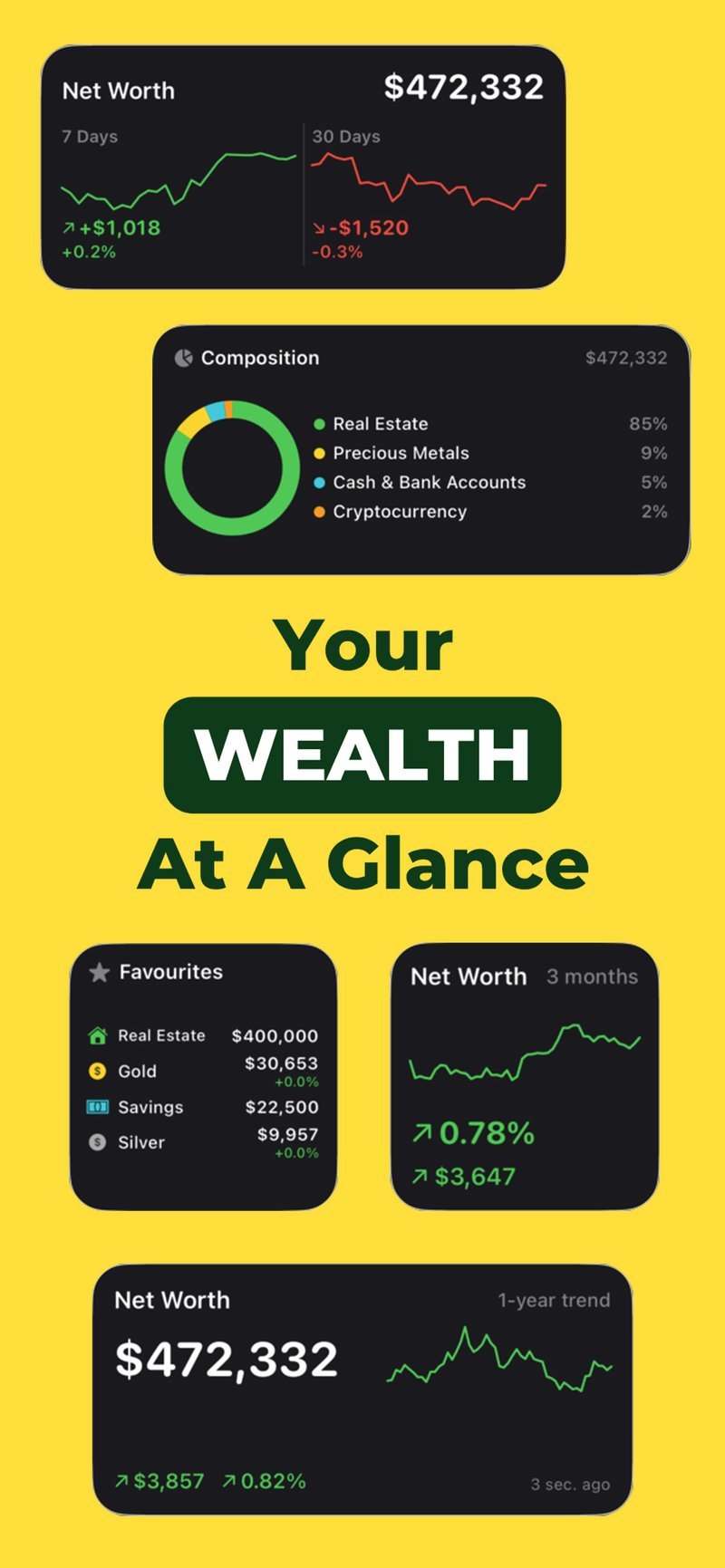
A home screen widget shifts this slightly, because it means you are not opening an app to check anything. Net Worth Tracker’s widget shows your current total and daily change right on your home screen. Since the market-priced parts of your net worth update on their own, glancing at the widget throughout the week costs nothing and does not require you to log in or tap through menus. The monthly update habit still applies to the fixed numbers, but you are free to glance at the total as often as you like without it turning into extra work.
When more frequent updates make sense
There are a few situations where checking in more often is genuinely useful rather than just anxious habit: right after a large purchase or sale, when you are actively paying down debt and want to see the progress, or when you are deciding whether to buy or sell metals or crypto and want to see how a move would affect your allocation. Outside of moments like these, monthly is the right cadence for almost everyone.
Let the market-priced side update itself
Free on iPhone. Live prices for metals and crypto, a widget for the total, and a few minutes a month for everything else.

Frequently asked questions
Is it bad to check your net worth every day?
Not harmful, but usually not useful either. Daily changes in a portfolio that includes crypto or metals mostly reflect market noise. A monthly view shows the actual trend more clearly.
Do I need to update gold, silver or crypto values myself?
No, not in Net Worth Tracker. Those are priced at live market rates automatically, so only fixed balances like savings or a mortgage need your input.